
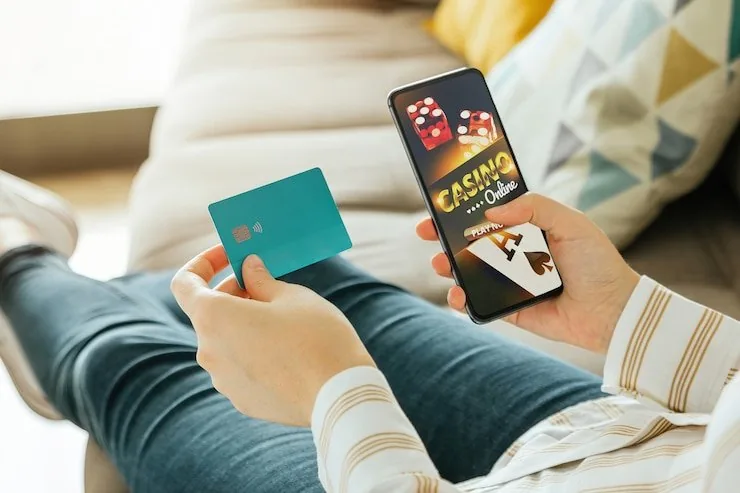
Mobile Access in Three Steps
Getting into 88x666 on your phone does not require a complicated setup. Open your mobile browser — Chrome on Android and Safari on iOS both work cleanly with the current site layout. Head to 88x666 and check whether a native app download is currently listed on the homepage; availability of an installable build varies by region and may be updated. Sign in
with your account credentials or use the fingerprint option if your device supports it. If you are in a supported region of Pakistan, your full account — wallet, game lobby and betslip — loads within the browser or app shell without any extra configuration.
- Open your mobile browser — Use Chrome on Android or Safari on iOS. Navigate to 88x666 and let the page detect your device layout automatically.
- Check current app availability — Look for an app download link or banner on the homepage. Native app availability depends on your region and current store listings — verify there rather than assuming.
- Sign in securely — Enter your account credentials or confirm with your fingerprint if the option is active on your device. A one-time PIN may be sent to verify your session on a new device.
- Fund your account — Once in, your JazzCash, Easypaisa or Raast wallet options are in the deposit row. Send to the account number shown and confirm with your PIN — your balance updates in the lobby.